
Ever wondered how engineers and architects draw complex 3D objects... Ipakita pa
 Irish
Irish English
Mag-sign up para makita ang contentLibre ito!
Access sa lahat ng dokumento
Pagbutihin ang iyong mga grado
Sumali sa milyong mga estudyante
Knowunity AI
Higit pa
Mga Asignatura
Triangle Congruence and Similarity Theorems
Triangle Properties and Classification
Linear Equations and Graphs
Geometric Angle Relationships
Trigonometric Functions and Identities
Equation Solving Techniques
Circle Geometry Fundamentals
Division Operations and Methods
Basic Differentiation Rules
Exponent and Logarithm Properties
Ipakita lahat ng paksa
Human Organ Systems
Reproductive Cell Cycles
Biological Sciences Subdisciplines
Cellular Energy Metabolism
Autotrophic Energy Processes
Inheritance Patterns and Principles
Biomolecular Structure and Organization
Cell Cycle and Division Mechanics
Cellular Organization and Development
Biological Structural Organization
Ipakita lahat ng paksa
Chemical Sciences and Applications
Atomic Structure and Composition
Molecular Electron Structure Representation
Atomic Electron Behavior
Matter Properties and Water
Mole Concept and Calculations
Gas Laws and Behavior
Periodic Table Organization
Chemical Thermodynamics Fundamentals
Chemical Bond Types and Properties
Ipakita lahat ng paksa
European Renaissance and Enlightenment
European Cultural Movements 800-1920
American Revolution Era 1763-1797
American Civil War 1861-1865
Global Imperial Systems
Mongol and Chinese Dynasties
U.S. Presidents and World Leaders
Historical Sources and Documentation
World Wars Era and Impact
World Religious Systems
Ipakita lahat ng paksa
Classic and Contemporary Novels
Literary Character Analysis
Rhetorical Theory and Practice
Classic Literary Narratives
Reading Analysis and Interpretation
Narrative Structure and Techniques
English Language Components
Influential English-Language Authors
Basic Sentence Structure
Narrative Voice and Perspective
Ipakita lahat ng paksa
8
•
Na-update May 7, 2026
•
Ever wondered how engineers and architects draw complex 3D objects... Ipakita pa
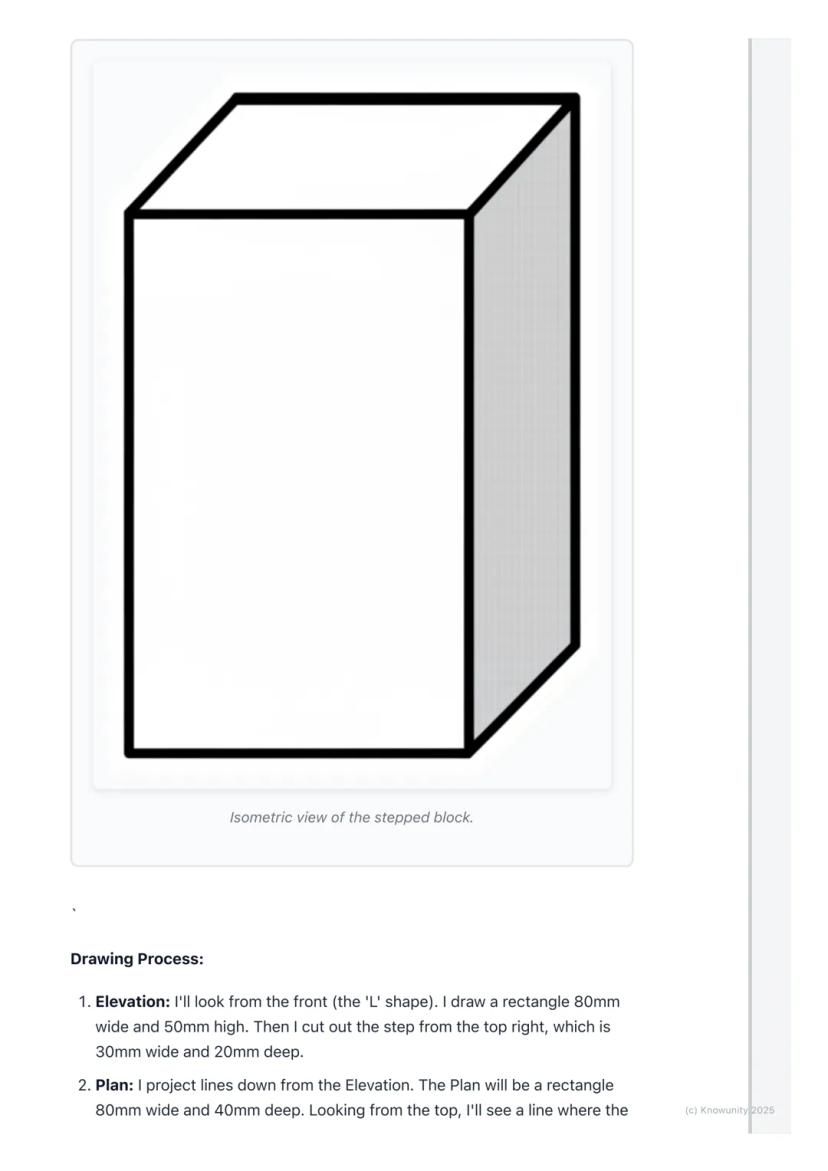
Think of orthographic projection as the ultimate way to describe any 3D object using flat drawings. Instead of trying to squeeze everything into one confusing sketch, you create three separate views that work together like a team.
The word 'ortho' means right-angle, so you're basically creating 'right-angle drawings' that show exactly what someone would see looking straight at an object from different directions. Engineers, designers, and architects use this method because it shows precise measurements and details that would be impossible to see in just one view.
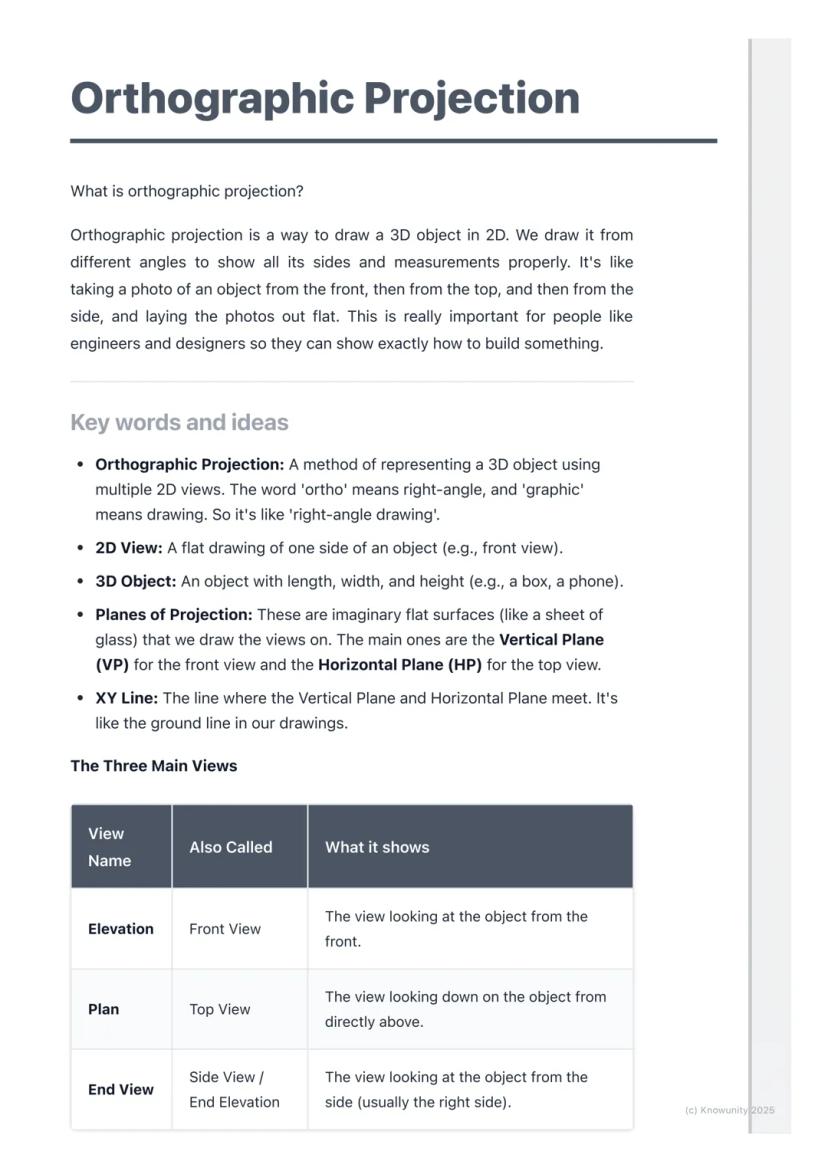
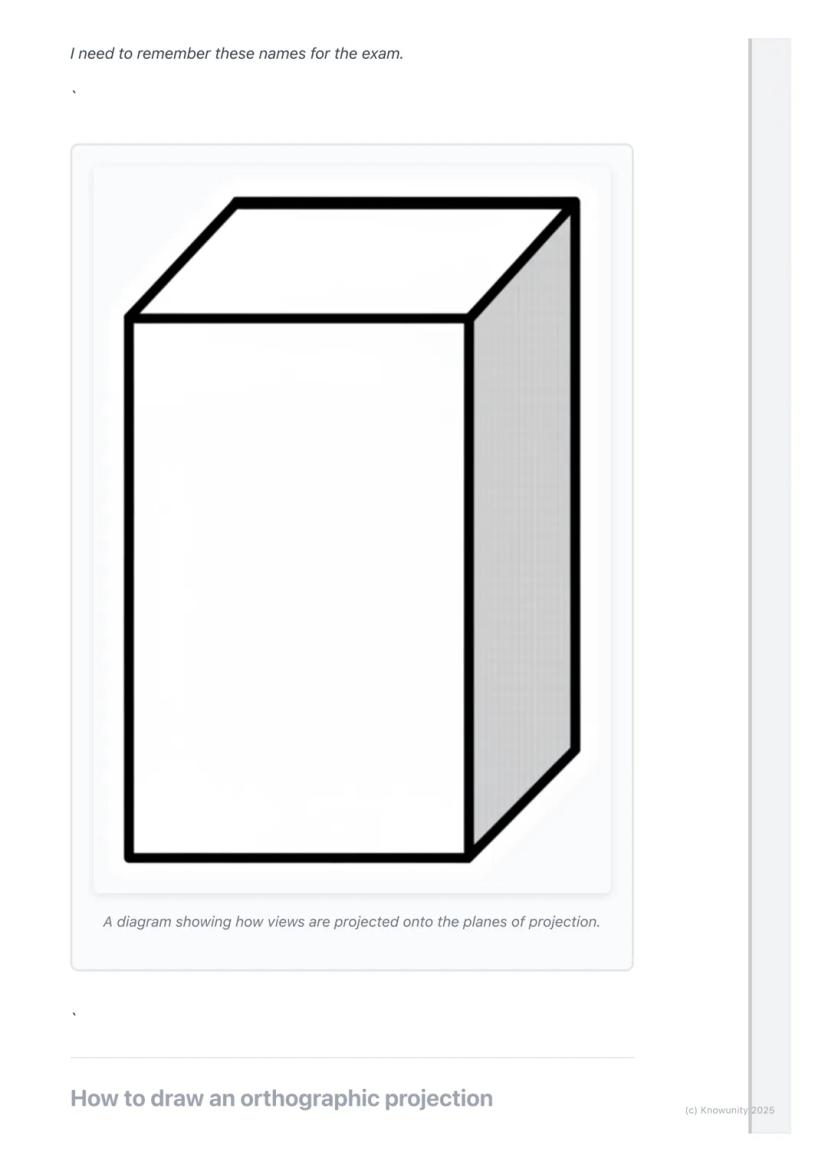
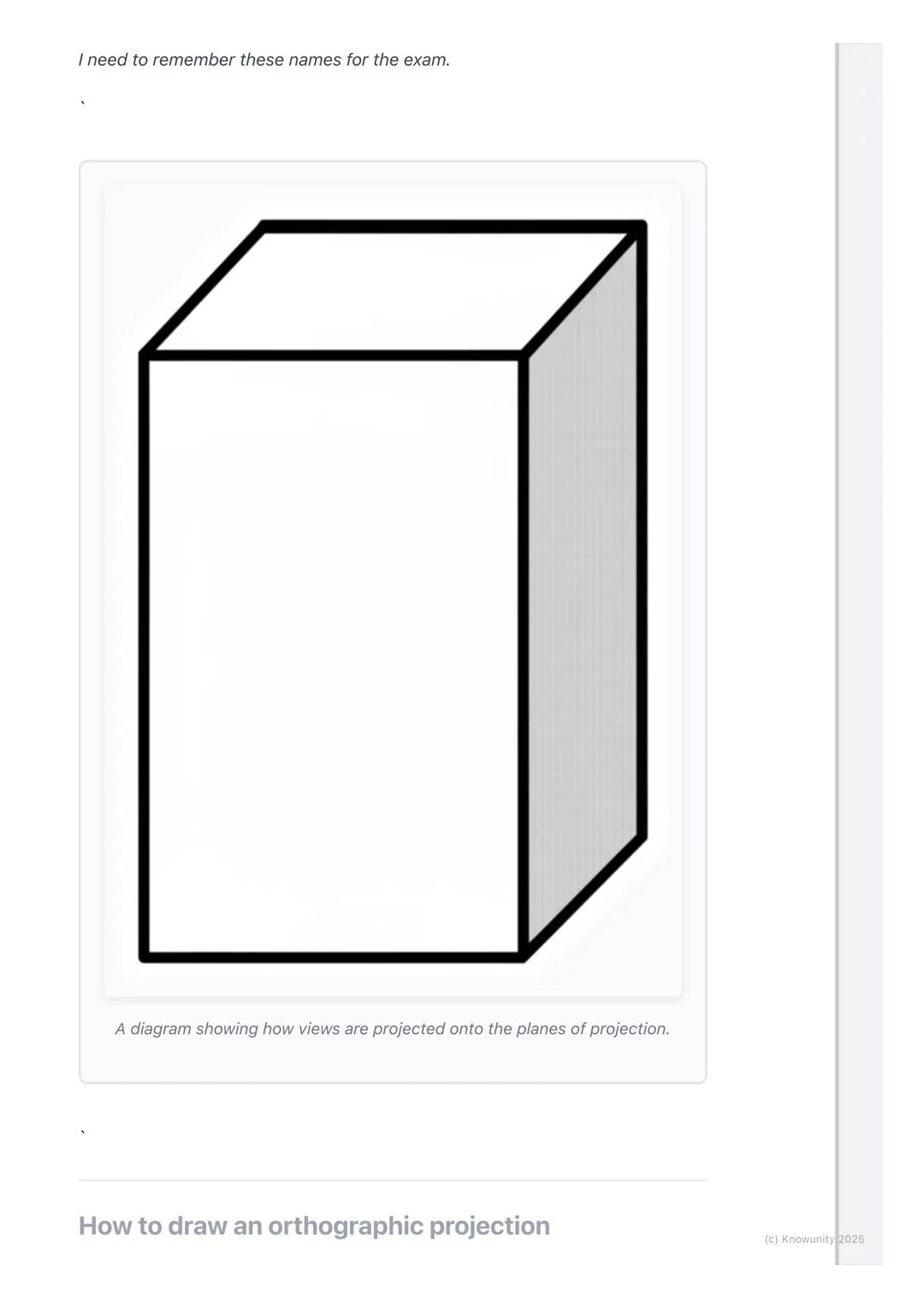
You'll work with planes of projection - imagine invisible sheets of glass where you project your views. The Vertical Plane (VP) holds your front view, whilst the Horizontal Plane (HP) holds your top view, and they meet at the crucial XY line.
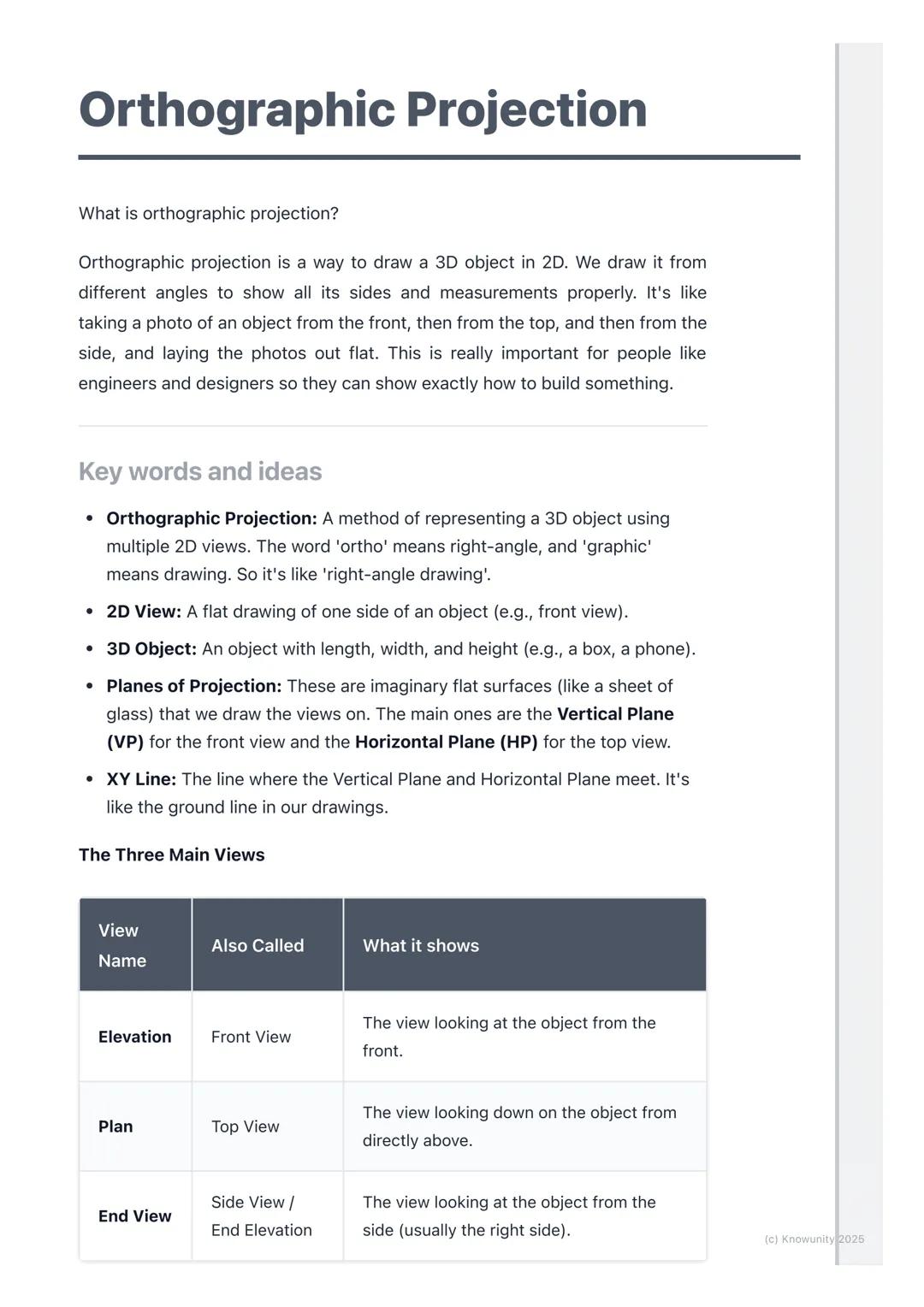
Remember: The three main views are Elevation (front view), Plan (top view), and End View (side view) - these names will definitely appear on your exam!
Before you start drawing anything exciting, you need to set up your page properly - this step determines whether your entire drawing will be accurate or a complete mess.
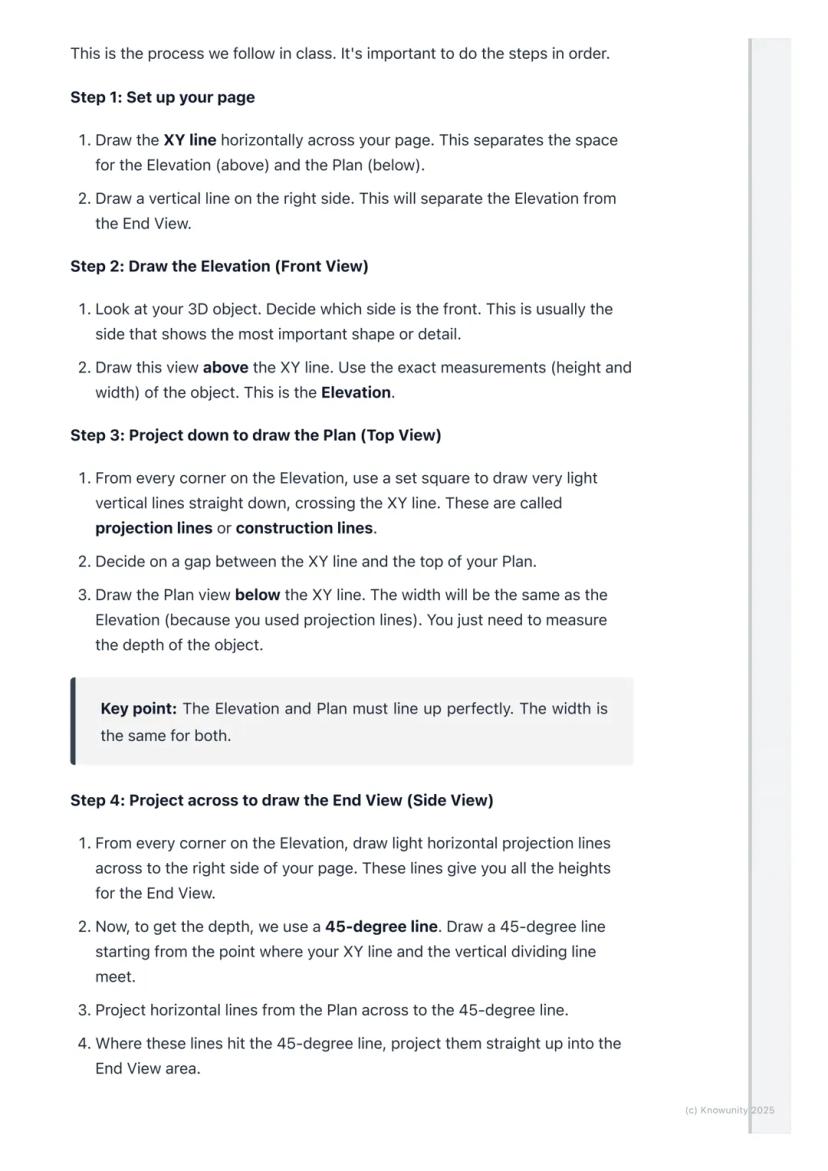
Draw the XY line horizontally across your page first. This acts like a border between your Elevation (which goes above) and your Plan (which goes below). Then add a vertical line on the right side to separate your Elevation from your End View.
Always start with the Elevation because it's your anchor point for everything else. Choose the side of your object that shows the most interesting shape or important details - this becomes your front view.
Top Tip: Getting your setup right saves you loads of time later and prevents those frustrating alignment mistakes that cost marks!
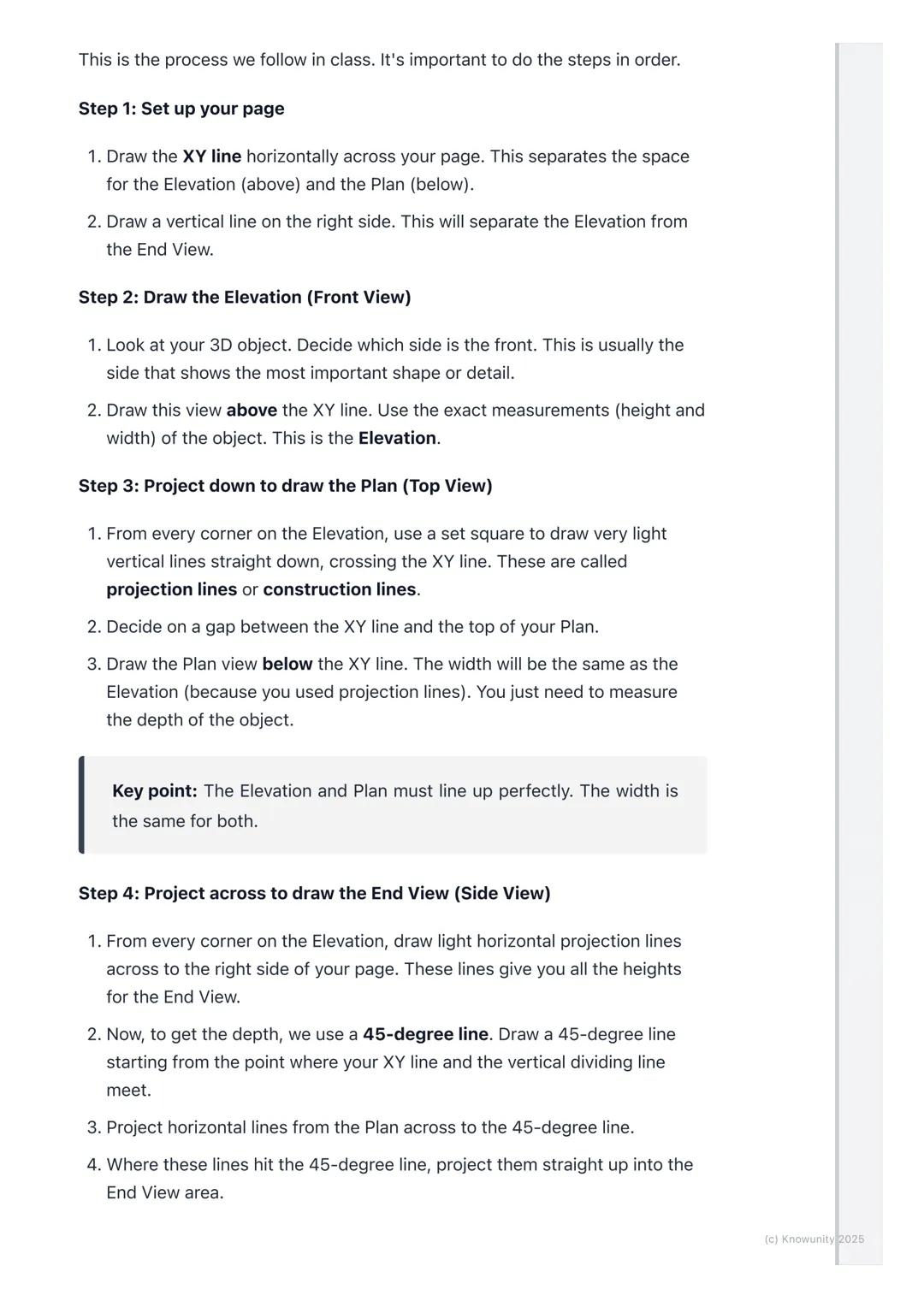
Here's where the magic happens - you'll use projection lines to connect all three views perfectly. These light construction lines ensure everything lines up exactly as it should.
After drawing your Elevation above the XY line, project light vertical lines straight down from every corner. These lines guide where you draw your Plan view below the XY line. The width stays the same, but you'll need to measure the object's depth yourself.
For the End View, you project horizontal lines across from your Elevation to get the heights right. Then comes the clever bit - use a 45-degree line starting where your XY line meets the vertical divider. Project lines from your Plan to this 45-degree line, then straight up into your End View area.
Key Point: The Elevation and Plan must line up perfectly - their widths are identical, and the End View's height must match the Elevation exactly.
Once you've got your basic shapes sketched out using those light projection lines, it's time to make your drawing look professional and exam-ready.
Go over the main outlines of your object in each view with darker, heavier lines - these are called object lines and they represent the actual edges you can see. Keep your projection lines light because they show your working method.
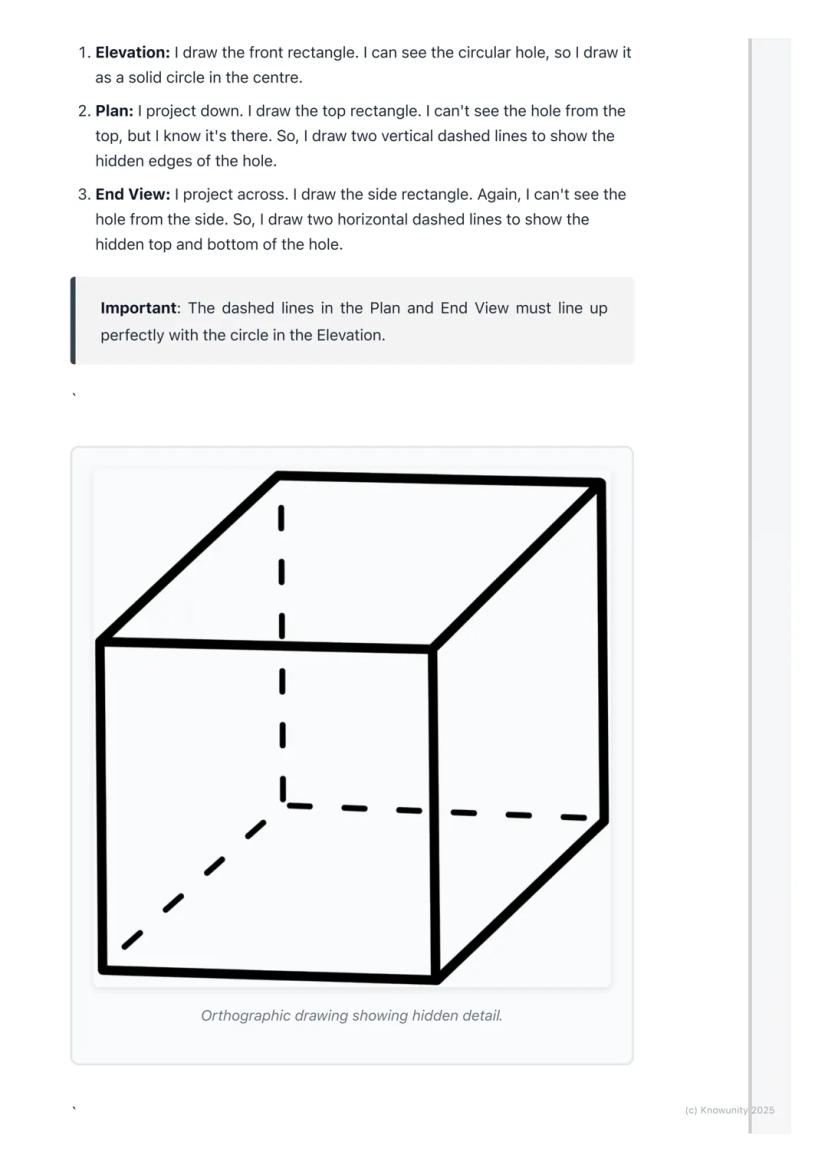
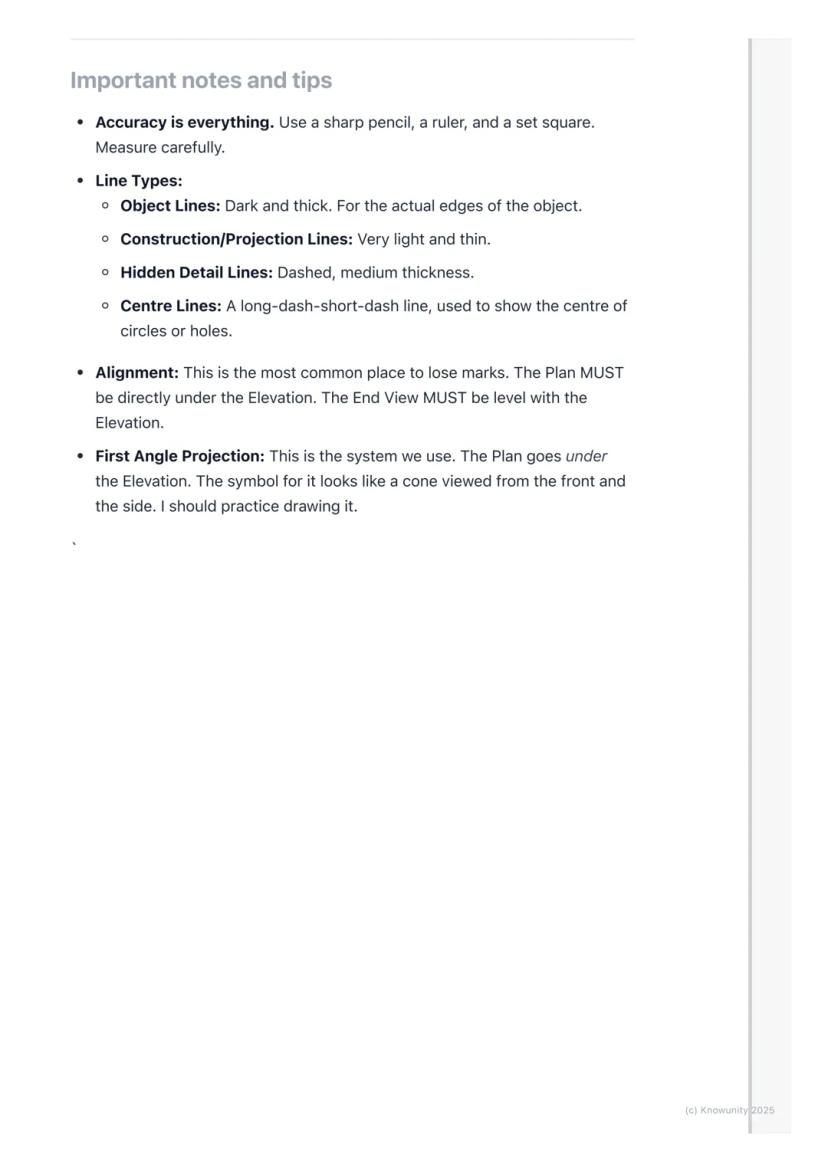
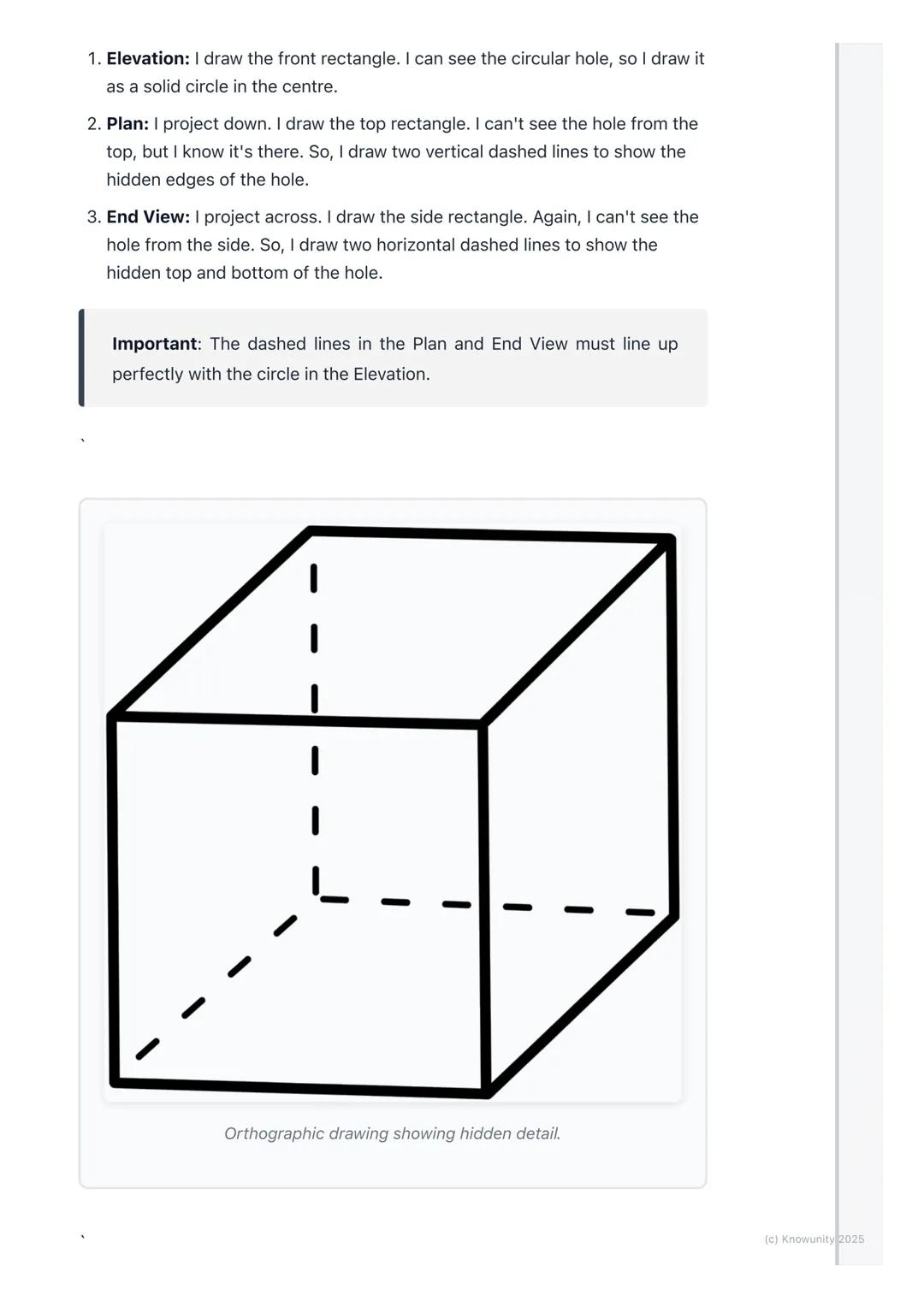
When parts of your object are hidden from view, you must show them using dashed lines. For example, if there's a hole going through a block, you'll see the circular opening in one view but need dashed lines in the other views to show where that hole exists.
Exam Success: Always add clear labels (ELEVATION, PLAN, END VIEW) and dimensions to your drawing - these simple additions can earn you extra marks!
Real objects aren't just simple blocks - they have holes, cuts, and internal features that make orthographic projection both challenging and essential for clear communication.
Hidden detail appears as dashed lines in your drawings. If you're looking at a block with a hole drilled through it, you'll see the circular opening clearly in your front view, but the top and side views need dashed lines to show where that hole exists even though you can't see it directly.
The key is thinking logically about what each view would actually show. From above, a hole might appear as two parallel dashed lines showing its width. From the side, you'd see different dashed lines showing its height.
Critical Rule: Your dashed lines must align perfectly with the solid features in other views - this alignment proves you understand how the 3D object actually works.
Professional orthographic projection uses different line types to communicate different information - mastering these will make your drawings look expert-level.
Object lines are dark and thick, showing the actual visible edges of your object. Construction lines (your projection lines) stay very light and thin. Hidden detail lines are medium-thickness dashed lines, whilst centre lines use a long-dash-short-dash pattern to show centres of circles or holes.
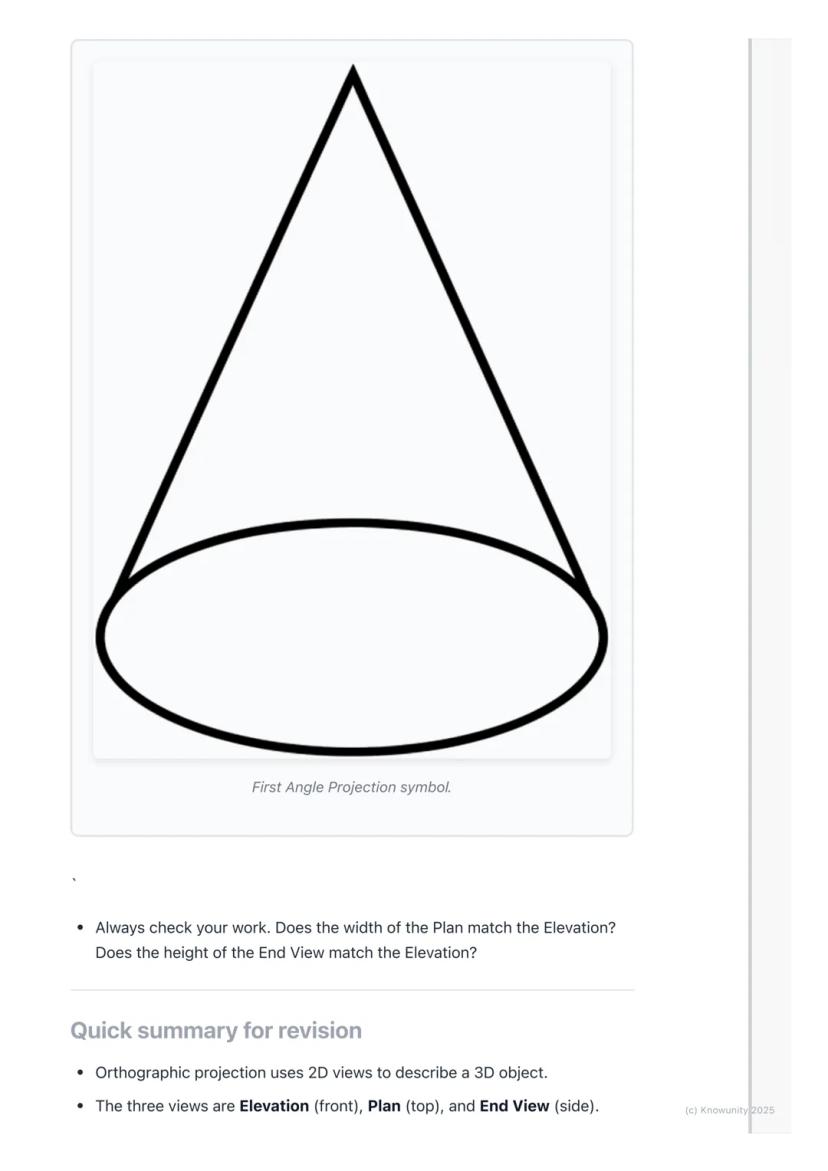
You'll be using First Angle Projection - this is the standard system where your Plan sits directly under your Elevation, and your End View aligns with the Elevation's height. There's even a special symbol for this system that looks like a cone from two angles.
Accuracy Tip: Use sharp pencils, rulers, and set squares religiously - orthographic projection rewards precision and punishes sloppy measuring!
Orthographic projection transforms any 3D object into three perfectly aligned 2D views that show every detail and measurement clearly.
Your process never changes: draw the Elevation first above the XY line, project down to create the Plan below, then project across using that 45-degree line trick to build your End View. Everything must align perfectly - widths matching between Elevation and Plan, heights matching between Elevation and End View.
Use dashed lines for hidden details, keep your construction lines light, and make your object lines bold and clear. Label everything properly and add dimensions to show you understand the measurements.
Final Check: Before submitting any orthographic drawing, verify that all your views align correctly - this single check prevents most common mistakes and ensures your hard work pays off!
Ang aming AI Companion ay isang AI tool na nakatuon sa mga estudyante na nag-aalok ng higit pa sa mga sagot lang. Binuo mula sa milyong Knowunity resources, nagbibigay ito ng may-kaugnayang impormasyon, personalized na study plans, quizzes, at content direkta sa chat, na umaangkop sa iyong sariling learning journey.
Maaari mong i-download ang app mula sa Google Play Store at Apple App Store.
Tama 'yan! Mag-enjoy sa libreng access sa mga study content, makipag-connect sa kapwa mga estudyante, at kumuha ng instant na tulong – lahat nasa iyong daliri lang.
App Store
Google Play
Napakadaling gamitin at maganda ang disenyo ng app. Nahanap ko lahat ng hinahanap ko hanggang ngayon at natuto ako ng marami mula sa mga presentasyon! Tiyak na gagamitin ko ang app para sa isang takdang-aralin sa klase! At siyempre, nakakatulong din ito bilang inspirasyon.
Stefan S
gumagamit ng iOS
Sobrang ganda talaga ng app na ito. Maraming mga study notes at tulong [...]. Ang problemang subject ko ay Pranses, halimbawa, at ang app ay may maraming options para tumulong. Salamat sa app na ito, bumuti ang Pranses ko. Irerekumenda ko ito sa lahat.
Samantha Klich
Android user
Wow, talagang namangha ako. Sinubukan ko lang ang app dahil nakita ko itong ina-advertise nang maraming beses at sobrang nagulat ako. Ang app na ito ang TULONG na gusto mo para sa paaralan at higit sa lahat, nag-aalok ito ng maraming bagay, tulad ng workouts at fact sheets, na SOBRANG nakatulong sa akin.
Anna
iOS user
Pinakamagandang app sa mundo! walang masabi dahil sobrang ganda nito
Thomas R
iOS user
Napakaganda talaga. Nakakapag-review ako ng 10x mas mabuti, itong app ay mabilis na 10/10. Lubos kong inirerekomenda ito sa lahat. Pwede akong manood at maghanap ng notes. Pwede kong i-save ang mga ito sa subject folder. Pwede kong i-review anumang oras kapag bumalik ako. Kung hindi mo pa nasubukan ang app na ito, marami kang nawawala.
Basil
Android user
Ang app na ito ay nagpapalakas ng loob ko sa paghahanda sa exams, hindi lang dahil sa pagpapataas ng aking kumpiyansa sa sarili sa pamamagitan ng mga feature na nagpapahintulot sa iyo na makipag-connect sa iba at mabawasan ang pakiramdam na nag-iisa, kundi pati na rin sa paraan na nakatuon ang app sa pagpapagaan ng iyong pakiramdam. Madali itong i-navigate, masaya gamitin, at nakakatulong sa sinumang nahihirapan sa kahit anong paraan.
David K
iOS user
Sobrang galing ng app! Ilalagay ko lang ang paksa sa search bar at makakakuha na ako ng sagot kaagad. Hindi ko kailangang manood ng 10 YouTube videos para maintindihan ang isang bagay, kaya nakakatipid ako ng oras. Lubos na inirerekomenda!
Sudenaz Ocak
Android user
Sa paaralan, napakahina ko sa math pero salamat sa app, mas mahusay na ako ngayon. Lubos akong nagpapasalamat na ginawa niyo ang app na ito.
Greenlight Bonnie
Android user
napakareliable na app para tumulong at palawakin ang iyong mga ideya sa Math, English at iba pang mga related na paksa sa iyong mga gawain. gamitin mo ang app na ito kung nahihirapan ka sa mga area, susi ito para diyan. sana nag-review na ako dati. at libre rin ito kaya huwag mag-alala tungkol diyan.
Rohan U
Android user
Alam kong maraming apps gumagamit ng fake accounts para mapataas ang kanilang reviews pero ang app na ito ay deserve lahat ng papuri. Dati nakakakuha ako ng 4 sa aking English exams at ngayon nakakuha ako ng grade 7. Hindi ko pa alam ang app na ito tatlong araw bago ang exam at nakatulong ito ng SOBRA. Pakisuyong maniwala sa akin at gamitin ito dahil sigurado akong makikita mo rin ang mga pagbabago.
Xander S
iOS user
ANG MGA quiz AT flashcard SOBRANG HELPFUL AT I LOVE TALAGA SI Knowunity AI. PARANG CHATGPT LANG PERO MAS MATALINO!! NAKATULONG DIN SA MGA MASCARA PROBLEMS KO!! PATI NA RIN SA MGA TUNAY KONG subject! SYEMPRE 😍😁😲🤑💗✨🎀😮
Elisha
iOS user
Grabe talaga ang app na to. Sobrang nakakaboring sakin ang pagreview pero ginagawa ng app na to na sobrang dali mag-organize ng lahat at pwede mong tanungin ang libreng ai para subukin ang sarili mo kaya sobrang buti at madali mong ma-upload ang sarili mong mga bagay. highly recommend bilang isang taong nagte-take ng mocks ngayon
Paul T
iOS user
Napakadaling gamitin at maganda ang disenyo ng app. Nahanap ko lahat ng hinahanap ko hanggang ngayon at natuto ako ng marami mula sa mga presentasyon! Tiyak na gagamitin ko ang app para sa isang takdang-aralin sa klase! At siyempre, nakakatulong din ito bilang inspirasyon.
Stefan S
gumagamit ng iOS
Sobrang ganda talaga ng app na ito. Maraming mga study notes at tulong [...]. Ang problemang subject ko ay Pranses, halimbawa, at ang app ay may maraming options para tumulong. Salamat sa app na ito, bumuti ang Pranses ko. Irerekumenda ko ito sa lahat.
Samantha Klich
Android user
Wow, talagang namangha ako. Sinubukan ko lang ang app dahil nakita ko itong ina-advertise nang maraming beses at sobrang nagulat ako. Ang app na ito ang TULONG na gusto mo para sa paaralan at higit sa lahat, nag-aalok ito ng maraming bagay, tulad ng workouts at fact sheets, na SOBRANG nakatulong sa akin.
Anna
iOS user
Pinakamagandang app sa mundo! walang masabi dahil sobrang ganda nito
Thomas R
iOS user
Napakaganda talaga. Nakakapag-review ako ng 10x mas mabuti, itong app ay mabilis na 10/10. Lubos kong inirerekomenda ito sa lahat. Pwede akong manood at maghanap ng notes. Pwede kong i-save ang mga ito sa subject folder. Pwede kong i-review anumang oras kapag bumalik ako. Kung hindi mo pa nasubukan ang app na ito, marami kang nawawala.
Basil
Android user
Ang app na ito ay nagpapalakas ng loob ko sa paghahanda sa exams, hindi lang dahil sa pagpapataas ng aking kumpiyansa sa sarili sa pamamagitan ng mga feature na nagpapahintulot sa iyo na makipag-connect sa iba at mabawasan ang pakiramdam na nag-iisa, kundi pati na rin sa paraan na nakatuon ang app sa pagpapagaan ng iyong pakiramdam. Madali itong i-navigate, masaya gamitin, at nakakatulong sa sinumang nahihirapan sa kahit anong paraan.
David K
iOS user
Sobrang galing ng app! Ilalagay ko lang ang paksa sa search bar at makakakuha na ako ng sagot kaagad. Hindi ko kailangang manood ng 10 YouTube videos para maintindihan ang isang bagay, kaya nakakatipid ako ng oras. Lubos na inirerekomenda!
Sudenaz Ocak
Android user
Sa paaralan, napakahina ko sa math pero salamat sa app, mas mahusay na ako ngayon. Lubos akong nagpapasalamat na ginawa niyo ang app na ito.
Greenlight Bonnie
Android user
napakareliable na app para tumulong at palawakin ang iyong mga ideya sa Math, English at iba pang mga related na paksa sa iyong mga gawain. gamitin mo ang app na ito kung nahihirapan ka sa mga area, susi ito para diyan. sana nag-review na ako dati. at libre rin ito kaya huwag mag-alala tungkol diyan.
Rohan U
Android user
Alam kong maraming apps gumagamit ng fake accounts para mapataas ang kanilang reviews pero ang app na ito ay deserve lahat ng papuri. Dati nakakakuha ako ng 4 sa aking English exams at ngayon nakakuha ako ng grade 7. Hindi ko pa alam ang app na ito tatlong araw bago ang exam at nakatulong ito ng SOBRA. Pakisuyong maniwala sa akin at gamitin ito dahil sigurado akong makikita mo rin ang mga pagbabago.
Xander S
iOS user
ANG MGA quiz AT flashcard SOBRANG HELPFUL AT I LOVE TALAGA SI Knowunity AI. PARANG CHATGPT LANG PERO MAS MATALINO!! NAKATULONG DIN SA MGA MASCARA PROBLEMS KO!! PATI NA RIN SA MGA TUNAY KONG subject! SYEMPRE 😍😁😲🤑💗✨🎀😮
Elisha
iOS user
Grabe talaga ang app na to. Sobrang nakakaboring sakin ang pagreview pero ginagawa ng app na to na sobrang dali mag-organize ng lahat at pwede mong tanungin ang libreng ai para subukin ang sarili mo kaya sobrang buti at madali mong ma-upload ang sarili mong mga bagay. highly recommend bilang isang taong nagte-take ng mocks ngayon
Paul T
iOS user
Ever wondered how engineers and architects draw complex 3D objects on flat paper? Orthographic projection is their secret weapon - it's like taking photos of an object from three different angles and laying them out perfectly to show every detail... Ipakita pa
Access sa lahat ng dokumento
Pagbutihin ang iyong mga grado
Sumali sa milyong mga estudyante
Think of orthographic projection as the ultimate way to describe any 3D object using flat drawings. Instead of trying to squeeze everything into one confusing sketch, you create three separate views that work together like a team.
The word 'ortho' means right-angle, so you're basically creating 'right-angle drawings' that show exactly what someone would see looking straight at an object from different directions. Engineers, designers, and architects use this method because it shows precise measurements and details that would be impossible to see in just one view.
You'll work with planes of projection - imagine invisible sheets of glass where you project your views. The Vertical Plane (VP) holds your front view, whilst the Horizontal Plane (HP) holds your top view, and they meet at the crucial XY line.
Remember: The three main views are Elevation (front view), Plan (top view), and End View (side view) - these names will definitely appear on your exam!
Access sa lahat ng dokumento
Pagbutihin ang iyong mga grado
Sumali sa milyong mga estudyante
Before you start drawing anything exciting, you need to set up your page properly - this step determines whether your entire drawing will be accurate or a complete mess.
Draw the XY line horizontally across your page first. This acts like a border between your Elevation (which goes above) and your Plan (which goes below). Then add a vertical line on the right side to separate your Elevation from your End View.
Always start with the Elevation because it's your anchor point for everything else. Choose the side of your object that shows the most interesting shape or important details - this becomes your front view.
Top Tip: Getting your setup right saves you loads of time later and prevents those frustrating alignment mistakes that cost marks!
Access sa lahat ng dokumento
Pagbutihin ang iyong mga grado
Sumali sa milyong mga estudyante
Here's where the magic happens - you'll use projection lines to connect all three views perfectly. These light construction lines ensure everything lines up exactly as it should.
After drawing your Elevation above the XY line, project light vertical lines straight down from every corner. These lines guide where you draw your Plan view below the XY line. The width stays the same, but you'll need to measure the object's depth yourself.
For the End View, you project horizontal lines across from your Elevation to get the heights right. Then comes the clever bit - use a 45-degree line starting where your XY line meets the vertical divider. Project lines from your Plan to this 45-degree line, then straight up into your End View area.
Key Point: The Elevation and Plan must line up perfectly - their widths are identical, and the End View's height must match the Elevation exactly.
Access sa lahat ng dokumento
Pagbutihin ang iyong mga grado
Sumali sa milyong mga estudyante
Once you've got your basic shapes sketched out using those light projection lines, it's time to make your drawing look professional and exam-ready.
Go over the main outlines of your object in each view with darker, heavier lines - these are called object lines and they represent the actual edges you can see. Keep your projection lines light because they show your working method.
When parts of your object are hidden from view, you must show them using dashed lines. For example, if there's a hole going through a block, you'll see the circular opening in one view but need dashed lines in the other views to show where that hole exists.
Exam Success: Always add clear labels (ELEVATION, PLAN, END VIEW) and dimensions to your drawing - these simple additions can earn you extra marks!
Access sa lahat ng dokumento
Pagbutihin ang iyong mga grado
Sumali sa milyong mga estudyante
Real objects aren't just simple blocks - they have holes, cuts, and internal features that make orthographic projection both challenging and essential for clear communication.
Hidden detail appears as dashed lines in your drawings. If you're looking at a block with a hole drilled through it, you'll see the circular opening clearly in your front view, but the top and side views need dashed lines to show where that hole exists even though you can't see it directly.
The key is thinking logically about what each view would actually show. From above, a hole might appear as two parallel dashed lines showing its width. From the side, you'd see different dashed lines showing its height.
Critical Rule: Your dashed lines must align perfectly with the solid features in other views - this alignment proves you understand how the 3D object actually works.
Access sa lahat ng dokumento
Pagbutihin ang iyong mga grado
Sumali sa milyong mga estudyante
Professional orthographic projection uses different line types to communicate different information - mastering these will make your drawings look expert-level.
Object lines are dark and thick, showing the actual visible edges of your object. Construction lines (your projection lines) stay very light and thin. Hidden detail lines are medium-thickness dashed lines, whilst centre lines use a long-dash-short-dash pattern to show centres of circles or holes.
You'll be using First Angle Projection - this is the standard system where your Plan sits directly under your Elevation, and your End View aligns with the Elevation's height. There's even a special symbol for this system that looks like a cone from two angles.
Accuracy Tip: Use sharp pencils, rulers, and set squares religiously - orthographic projection rewards precision and punishes sloppy measuring!
Access sa lahat ng dokumento
Pagbutihin ang iyong mga grado
Sumali sa milyong mga estudyante
Orthographic projection transforms any 3D object into three perfectly aligned 2D views that show every detail and measurement clearly.
Your process never changes: draw the Elevation first above the XY line, project down to create the Plan below, then project across using that 45-degree line trick to build your End View. Everything must align perfectly - widths matching between Elevation and Plan, heights matching between Elevation and End View.
Use dashed lines for hidden details, keep your construction lines light, and make your object lines bold and clear. Label everything properly and add dimensions to show you understand the measurements.
Final Check: Before submitting any orthographic drawing, verify that all your views align correctly - this single check prevents most common mistakes and ensures your hard work pays off!
Access sa lahat ng dokumento
Pagbutihin ang iyong mga grado
Sumali sa milyong mga estudyante
Access sa lahat ng dokumento
Pagbutihin ang iyong mga grado
Sumali sa milyong mga estudyante
Access sa lahat ng dokumento
Pagbutihin ang iyong mga grado
Sumali sa milyong mga estudyante
Ang aming AI Companion ay isang AI tool na nakatuon sa mga estudyante na nag-aalok ng higit pa sa mga sagot lang. Binuo mula sa milyong Knowunity resources, nagbibigay ito ng may-kaugnayang impormasyon, personalized na study plans, quizzes, at content direkta sa chat, na umaangkop sa iyong sariling learning journey.
Maaari mong i-download ang app mula sa Google Play Store at Apple App Store.
Tama 'yan! Mag-enjoy sa libreng access sa mga study content, makipag-connect sa kapwa mga estudyante, at kumuha ng instant na tulong – lahat nasa iyong daliri lang.
0
Smart Tools NEW
I-transform ang note na ito sa: ✓ 50+ Practice Questions ✓ Interactive Flashcards ✓ Full Mock Exam ✓ Essay Outlines
App Store
Google Play
Napakadaling gamitin at maganda ang disenyo ng app. Nahanap ko lahat ng hinahanap ko hanggang ngayon at natuto ako ng marami mula sa mga presentasyon! Tiyak na gagamitin ko ang app para sa isang takdang-aralin sa klase! At siyempre, nakakatulong din ito bilang inspirasyon.
Stefan S
gumagamit ng iOS
Sobrang ganda talaga ng app na ito. Maraming mga study notes at tulong [...]. Ang problemang subject ko ay Pranses, halimbawa, at ang app ay may maraming options para tumulong. Salamat sa app na ito, bumuti ang Pranses ko. Irerekumenda ko ito sa lahat.
Samantha Klich
Android user
Wow, talagang namangha ako. Sinubukan ko lang ang app dahil nakita ko itong ina-advertise nang maraming beses at sobrang nagulat ako. Ang app na ito ang TULONG na gusto mo para sa paaralan at higit sa lahat, nag-aalok ito ng maraming bagay, tulad ng workouts at fact sheets, na SOBRANG nakatulong sa akin.
Anna
iOS user
Pinakamagandang app sa mundo! walang masabi dahil sobrang ganda nito
Thomas R
iOS user
Napakaganda talaga. Nakakapag-review ako ng 10x mas mabuti, itong app ay mabilis na 10/10. Lubos kong inirerekomenda ito sa lahat. Pwede akong manood at maghanap ng notes. Pwede kong i-save ang mga ito sa subject folder. Pwede kong i-review anumang oras kapag bumalik ako. Kung hindi mo pa nasubukan ang app na ito, marami kang nawawala.
Basil
Android user
Ang app na ito ay nagpapalakas ng loob ko sa paghahanda sa exams, hindi lang dahil sa pagpapataas ng aking kumpiyansa sa sarili sa pamamagitan ng mga feature na nagpapahintulot sa iyo na makipag-connect sa iba at mabawasan ang pakiramdam na nag-iisa, kundi pati na rin sa paraan na nakatuon ang app sa pagpapagaan ng iyong pakiramdam. Madali itong i-navigate, masaya gamitin, at nakakatulong sa sinumang nahihirapan sa kahit anong paraan.
David K
iOS user
Sobrang galing ng app! Ilalagay ko lang ang paksa sa search bar at makakakuha na ako ng sagot kaagad. Hindi ko kailangang manood ng 10 YouTube videos para maintindihan ang isang bagay, kaya nakakatipid ako ng oras. Lubos na inirerekomenda!
Sudenaz Ocak
Android user
Sa paaralan, napakahina ko sa math pero salamat sa app, mas mahusay na ako ngayon. Lubos akong nagpapasalamat na ginawa niyo ang app na ito.
Greenlight Bonnie
Android user
napakareliable na app para tumulong at palawakin ang iyong mga ideya sa Math, English at iba pang mga related na paksa sa iyong mga gawain. gamitin mo ang app na ito kung nahihirapan ka sa mga area, susi ito para diyan. sana nag-review na ako dati. at libre rin ito kaya huwag mag-alala tungkol diyan.
Rohan U
Android user
Alam kong maraming apps gumagamit ng fake accounts para mapataas ang kanilang reviews pero ang app na ito ay deserve lahat ng papuri. Dati nakakakuha ako ng 4 sa aking English exams at ngayon nakakuha ako ng grade 7. Hindi ko pa alam ang app na ito tatlong araw bago ang exam at nakatulong ito ng SOBRA. Pakisuyong maniwala sa akin at gamitin ito dahil sigurado akong makikita mo rin ang mga pagbabago.
Xander S
iOS user
ANG MGA quiz AT flashcard SOBRANG HELPFUL AT I LOVE TALAGA SI Knowunity AI. PARANG CHATGPT LANG PERO MAS MATALINO!! NAKATULONG DIN SA MGA MASCARA PROBLEMS KO!! PATI NA RIN SA MGA TUNAY KONG subject! SYEMPRE 😍😁😲🤑💗✨🎀😮
Elisha
iOS user
Grabe talaga ang app na to. Sobrang nakakaboring sakin ang pagreview pero ginagawa ng app na to na sobrang dali mag-organize ng lahat at pwede mong tanungin ang libreng ai para subukin ang sarili mo kaya sobrang buti at madali mong ma-upload ang sarili mong mga bagay. highly recommend bilang isang taong nagte-take ng mocks ngayon
Paul T
iOS user
Napakadaling gamitin at maganda ang disenyo ng app. Nahanap ko lahat ng hinahanap ko hanggang ngayon at natuto ako ng marami mula sa mga presentasyon! Tiyak na gagamitin ko ang app para sa isang takdang-aralin sa klase! At siyempre, nakakatulong din ito bilang inspirasyon.
Stefan S
gumagamit ng iOS
Sobrang ganda talaga ng app na ito. Maraming mga study notes at tulong [...]. Ang problemang subject ko ay Pranses, halimbawa, at ang app ay may maraming options para tumulong. Salamat sa app na ito, bumuti ang Pranses ko. Irerekumenda ko ito sa lahat.
Samantha Klich
Android user
Wow, talagang namangha ako. Sinubukan ko lang ang app dahil nakita ko itong ina-advertise nang maraming beses at sobrang nagulat ako. Ang app na ito ang TULONG na gusto mo para sa paaralan at higit sa lahat, nag-aalok ito ng maraming bagay, tulad ng workouts at fact sheets, na SOBRANG nakatulong sa akin.
Anna
iOS user
Pinakamagandang app sa mundo! walang masabi dahil sobrang ganda nito
Thomas R
iOS user
Napakaganda talaga. Nakakapag-review ako ng 10x mas mabuti, itong app ay mabilis na 10/10. Lubos kong inirerekomenda ito sa lahat. Pwede akong manood at maghanap ng notes. Pwede kong i-save ang mga ito sa subject folder. Pwede kong i-review anumang oras kapag bumalik ako. Kung hindi mo pa nasubukan ang app na ito, marami kang nawawala.
Basil
Android user
Ang app na ito ay nagpapalakas ng loob ko sa paghahanda sa exams, hindi lang dahil sa pagpapataas ng aking kumpiyansa sa sarili sa pamamagitan ng mga feature na nagpapahintulot sa iyo na makipag-connect sa iba at mabawasan ang pakiramdam na nag-iisa, kundi pati na rin sa paraan na nakatuon ang app sa pagpapagaan ng iyong pakiramdam. Madali itong i-navigate, masaya gamitin, at nakakatulong sa sinumang nahihirapan sa kahit anong paraan.
David K
iOS user
Sobrang galing ng app! Ilalagay ko lang ang paksa sa search bar at makakakuha na ako ng sagot kaagad. Hindi ko kailangang manood ng 10 YouTube videos para maintindihan ang isang bagay, kaya nakakatipid ako ng oras. Lubos na inirerekomenda!
Sudenaz Ocak
Android user
Sa paaralan, napakahina ko sa math pero salamat sa app, mas mahusay na ako ngayon. Lubos akong nagpapasalamat na ginawa niyo ang app na ito.
Greenlight Bonnie
Android user
napakareliable na app para tumulong at palawakin ang iyong mga ideya sa Math, English at iba pang mga related na paksa sa iyong mga gawain. gamitin mo ang app na ito kung nahihirapan ka sa mga area, susi ito para diyan. sana nag-review na ako dati. at libre rin ito kaya huwag mag-alala tungkol diyan.
Rohan U
Android user
Alam kong maraming apps gumagamit ng fake accounts para mapataas ang kanilang reviews pero ang app na ito ay deserve lahat ng papuri. Dati nakakakuha ako ng 4 sa aking English exams at ngayon nakakuha ako ng grade 7. Hindi ko pa alam ang app na ito tatlong araw bago ang exam at nakatulong ito ng SOBRA. Pakisuyong maniwala sa akin at gamitin ito dahil sigurado akong makikita mo rin ang mga pagbabago.
Xander S
iOS user
ANG MGA quiz AT flashcard SOBRANG HELPFUL AT I LOVE TALAGA SI Knowunity AI. PARANG CHATGPT LANG PERO MAS MATALINO!! NAKATULONG DIN SA MGA MASCARA PROBLEMS KO!! PATI NA RIN SA MGA TUNAY KONG subject! SYEMPRE 😍😁😲🤑💗✨🎀😮
Elisha
iOS user
Grabe talaga ang app na to. Sobrang nakakaboring sakin ang pagreview pero ginagawa ng app na to na sobrang dali mag-organize ng lahat at pwede mong tanungin ang libreng ai para subukin ang sarili mo kaya sobrang buti at madali mong ma-upload ang sarili mong mga bagay. highly recommend bilang isang taong nagte-take ng mocks ngayon
Paul T
iOS user